Android Bot
Mobile-first access with the full SkullXpert Pro+ interface in your pocket.
- Android access
- Instant digital delivery
- Direct setup support
Automated forex execution on the device you already use. Choose Android, iOS or PC — and trade with direct support from Dereal Proff.
01 / CHOOSE YOUR PACKAGE
Mobile-first access with the full SkullXpert Pro+ interface in your pocket.
A streamlined iPhone setup designed for fast access wherever you trade.
The complete desktop edition for a dedicated trading workstation.
PURCHASE / PAYMENT PROOF / SETUP
From choosing your bot to setting it up with Dereal Proff.
Choose Android (R1 500), iOS (R2 000), or PC (R5 000). Open its page and check the device details.
Select Secure Your Copy and finish checkout on PayPal. If the payment is cancelled or pending, wait for confirmation before sending proof.
Keep the completed-payment receipt or screenshot and your PayPal transaction reference. Never share your password or full card details.
Open the payment-proof page, choose your bot, and attach your receipt in the chat with Dereal Proff. Your payment is checked before your licence and setup are provided.
No refunds: all sales are final once your licence is delivered. Trading forex carries risk — client results do not guarantee future performance, and SkullXpert Pro+ is a tool, not financial advice.
After payment verification, Dereal Proff confirms the correct installation steps for your edition. Don't share your licence with anyone.
Visit TradeNest EA below and follow its current instructions for your device. Confirm compatibility and any separate hosting or subscription costs before subscribing.
Have your broker account ready. Ask Dereal Proff to confirm the supported platform and connection details; share no account passwords in payment-proof messages.
Follow the device-specific instructions to activate your licence and configure the bot. Confirm your settings with Dereal Proff and test on a demo account before using live funds. Trading carries risk.
02 / CLIENT RESULTS
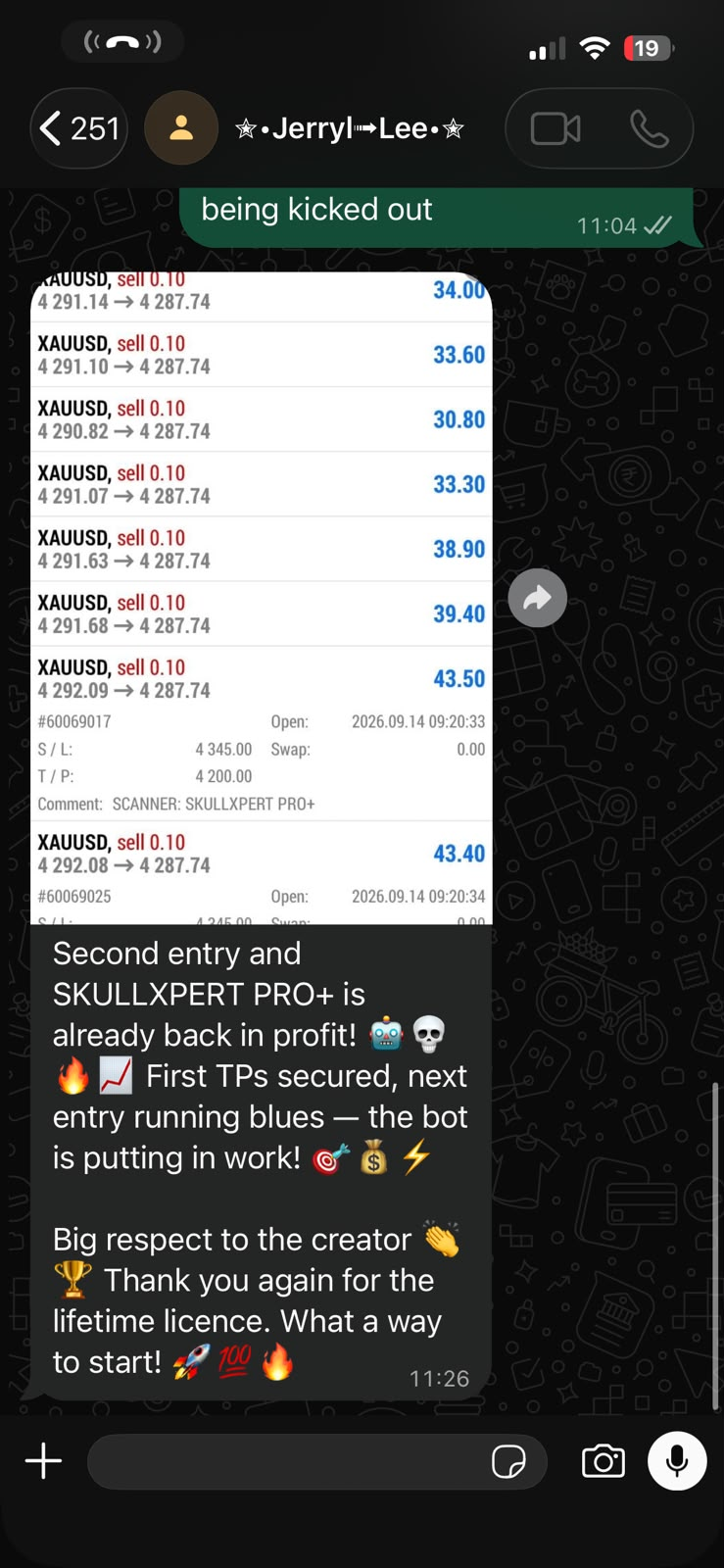
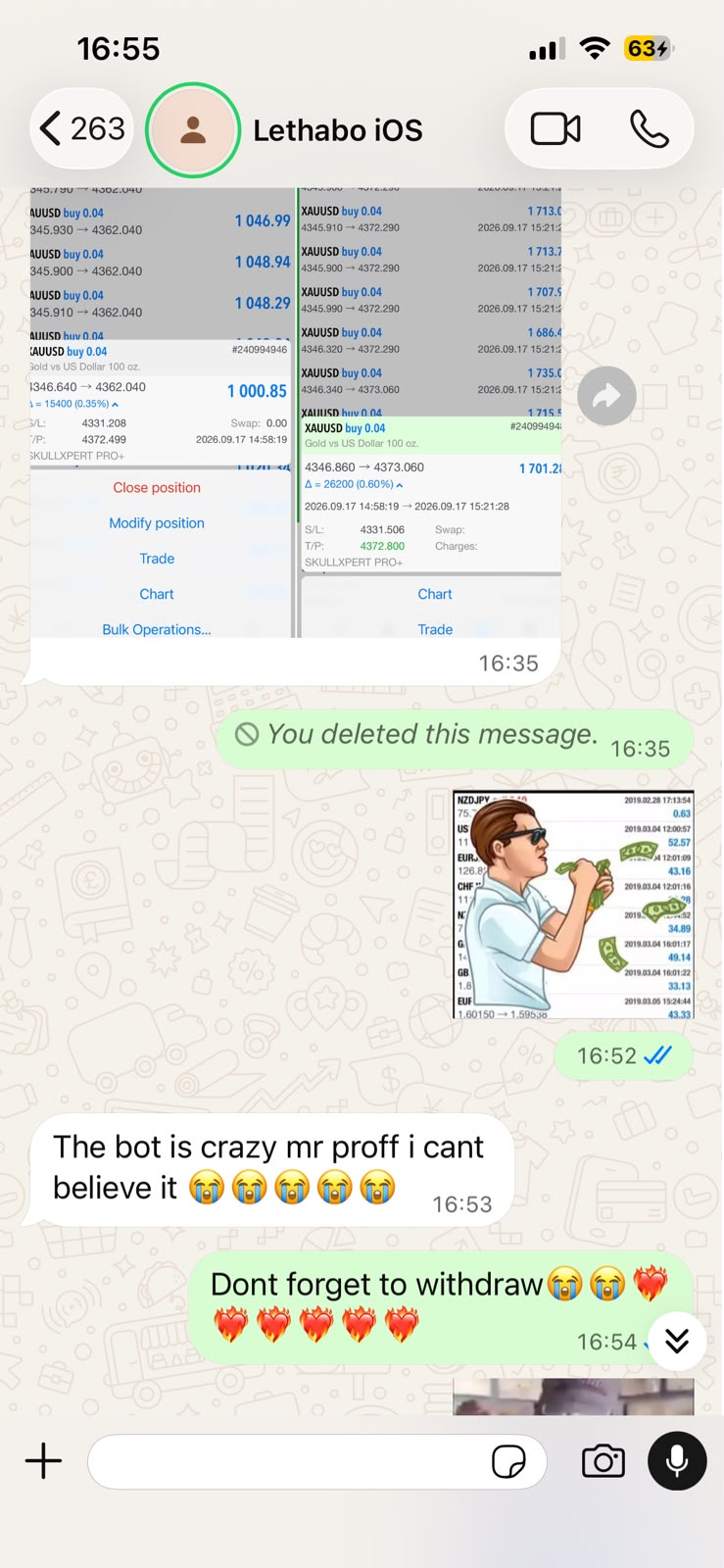
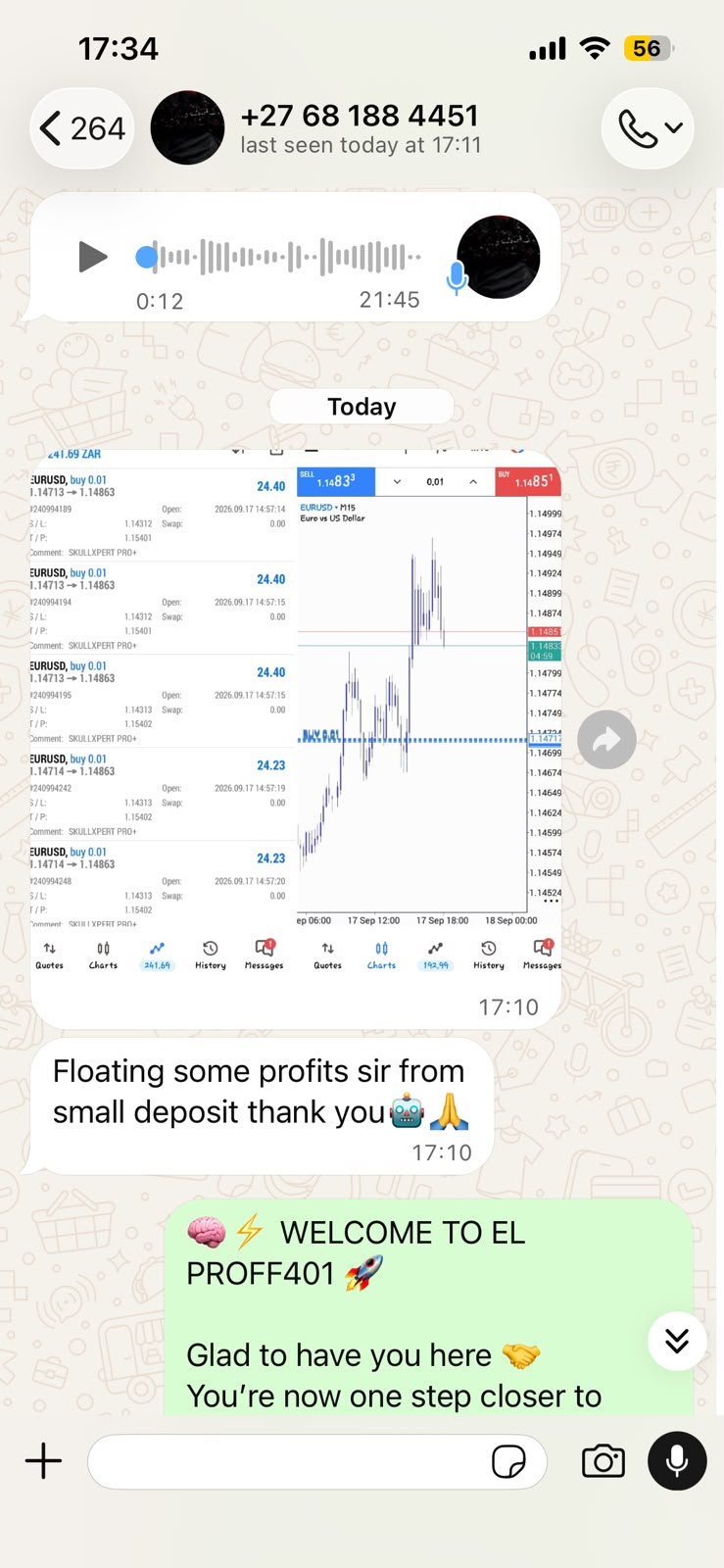
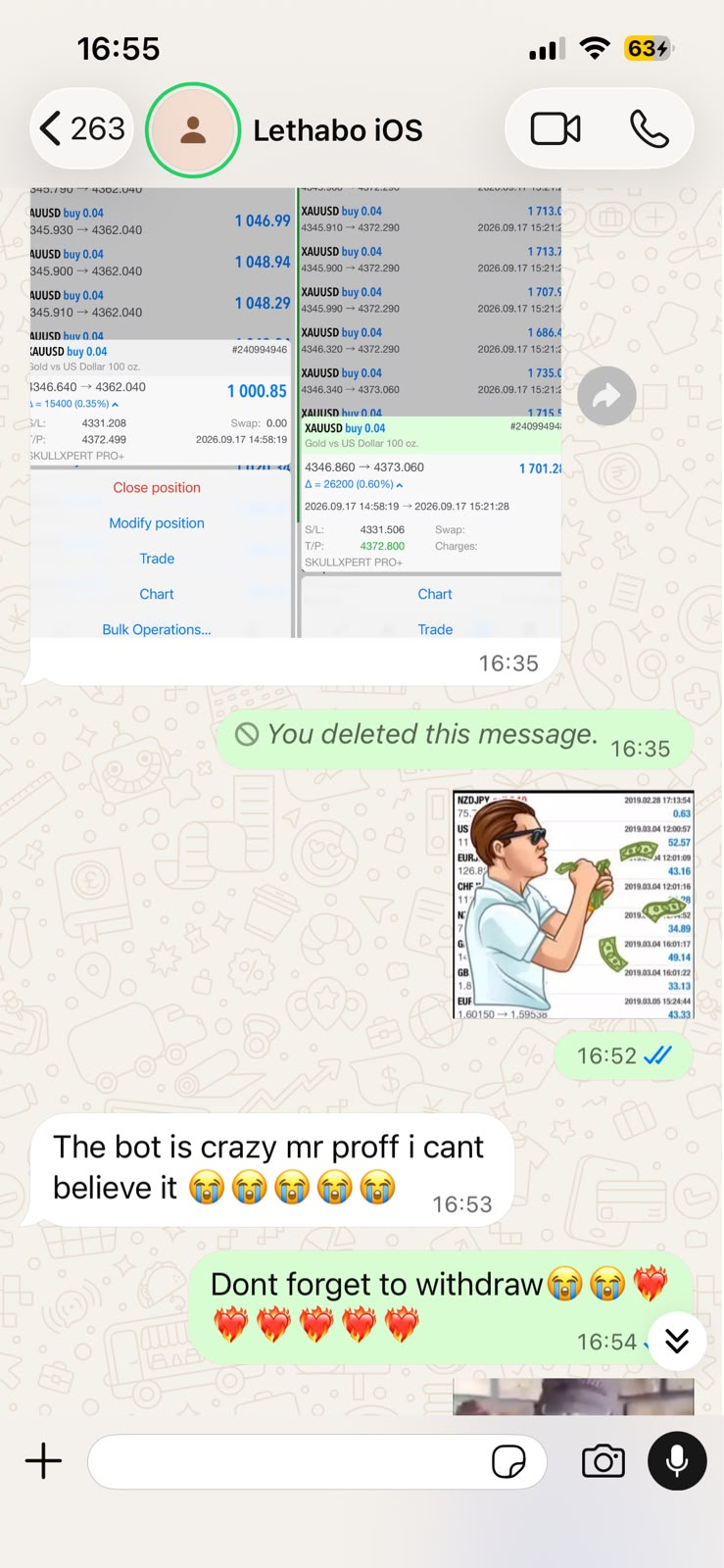
Real conversations and trading screens shared by the SkullXpert Pro+ community.
Updates, setups and direct support from Dereal Proff — pick your channel.